
# Flow overview
The main appointment booking process can be split into these steps:

# 1. Retrieve the appointment details
This is done by making 2 actions:
- select the external application in which the appointment exists: IWS, Cohéris or Declic
- type the intervention code of the appointment
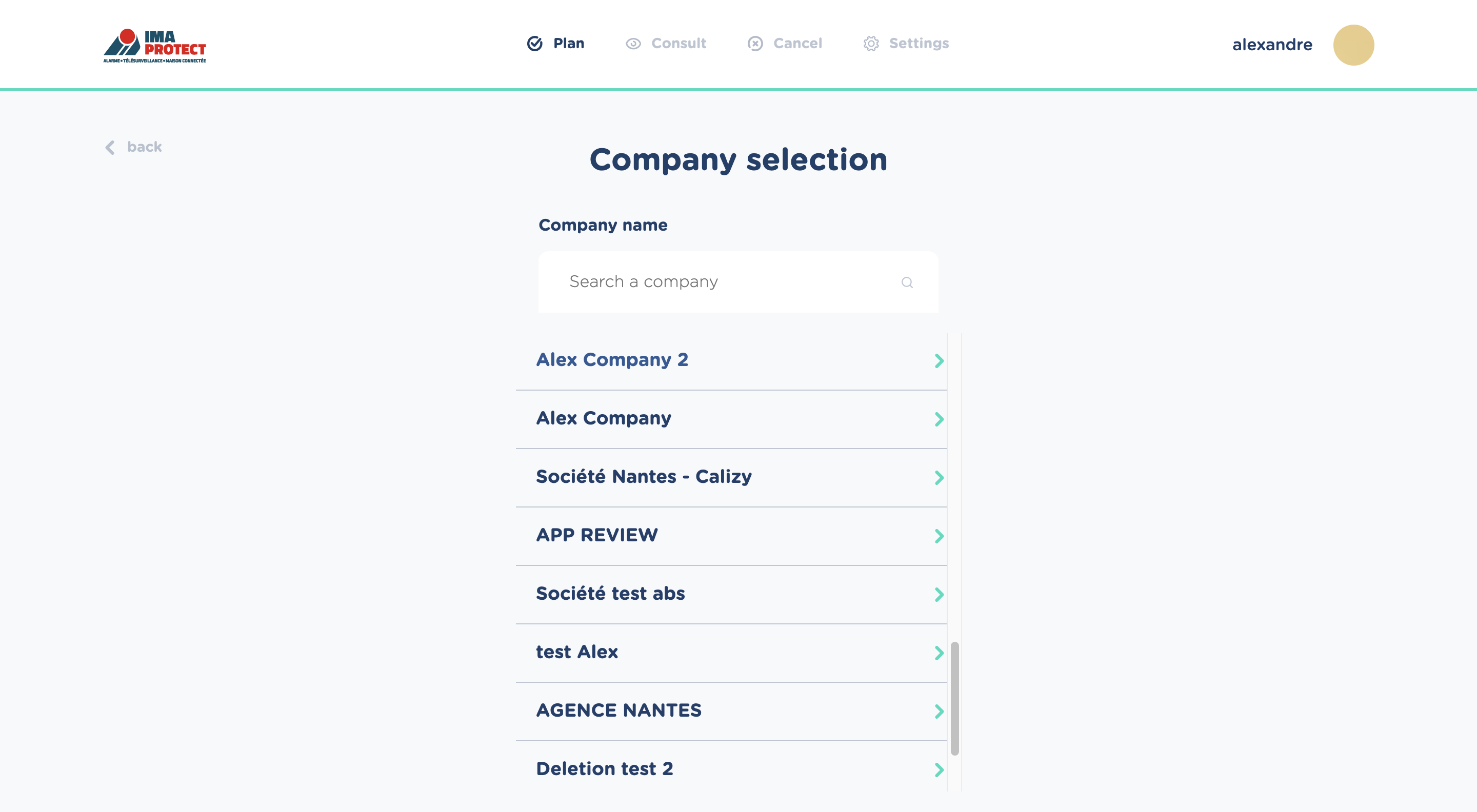
# 2. Select a company that can intervene for this appointment
Calizy will use the appointment's address to compute all the companies that can intervene (see company selection ). The eligible companies will then be displayed in an ordered list, by computed priority:
# 3. Select a time slot among the ones available
Calizy will display a calendar view, containing all the time slots that can be booked for this appointment:
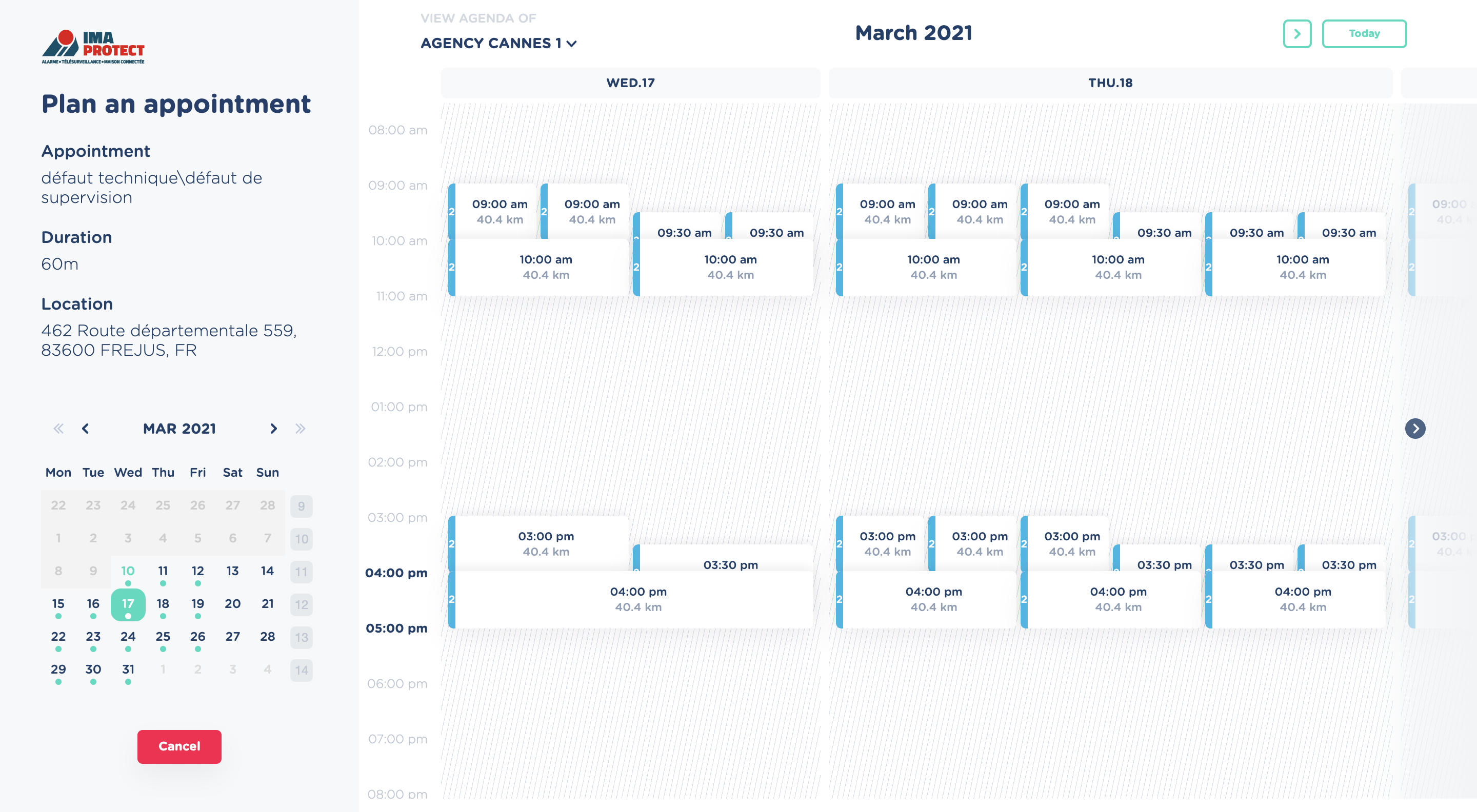
The identical time slots mean that multiple technicians are available at the same time.
# 4. Book the appointment
Click on the desired time slot to book the appointment: the appointment is created in the Calizy system, and the assigned technician is instantly notified.